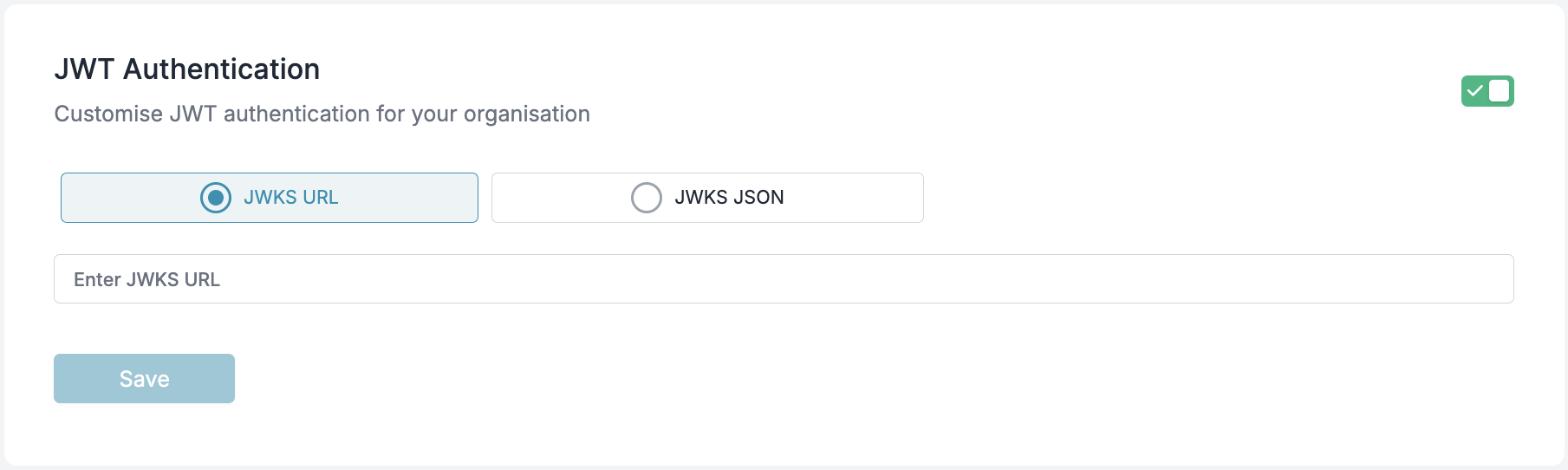
Configure JWT-based authentication for your organization in Portkey
This feature is available only on the Enterprise Plan of Portkey.
Portkey supports JWT-based authentication in addition to API Key authentication. Clients can authenticate API requests using a JWT token, which is validated against a configured JWKS (JSON Web Key Set). This guide explains the requirements and setup process for JWT authentication in Portkey.
Once the JWT is validated, the server checks for the required scope. Scopes can be provided in the JWT as either a single string or an array of strings using the scope or scopes claim.
Scopes can also be prefixed with portkey. (e.g., portkey.completions.write).
JWT tokens with appropriate scopes function identically to workspace API keys, providing access to workspace-specific operations. They cannot be used as organization API keys, which have broader administrative permissions across all workspaces.
Once you have a valid JWT token, you can use it to authenticate your API calls to Portkey. Below are examples showing how to use JWT authentication with different SDKs.
NodeJS
Python
cURL
OpenAI Python SDK
OpenAI NodeJS SDK
Install the Portkey SDK with npm
Copy
Ask AI
npm install portkey-ai
Copy
Ask AI
import Portkey from 'portkey-ai';const client = new Portkey({ apiKey: '<JWT_TOKEN>', // Use JWT token instead of API key});async function main() { const response = await client.chat.completions.create({ messages: [{ role: "user", content: "Hello, how are you today?" }], model: "gpt-4o", }); console.log(response.choices[0].message.content);}main();
Install the Portkey SDK with pip
Copy
Ask AI
pip install portkey-ai
Copy
Ask AI
from portkey_ai import Portkeyclient = Portkey( api_key = "<JWT_TOKEN>" # Use JWT token instead of API key)response = client.chat.completions.create( model="gpt-4o", messages=[ {"role": "system", "content": "You are a helpful assistant."}, {"role": "user", "content": "Hello!"} ])print(response.choices[0].message)